
How to Search Cases by Name
Open the Washington Courts Case Records Search first, then pick the court level that matches your matter. Pacific County felonies, major civil cases, family law, probate, guardianship, juvenile matters, dependency, adoption, competency, and lower-court appeals all sit in Superior Court. Misdemeanors, infractions, small claims, limited civil matters, and city cases sit a level down, in district or municipal court.
- Select Superior Court or District/Municipal Court rather than searching every system at random.
- For Odyssey Smart Search, enter the party as Last, First Middle Suffix, matching the case record when possible.
- Select Pacific County or the exact North, South, or municipal court when the form offers that choice.
- Use a date range or case type to narrow common-name results. Registered Odyssey users may add a wildcard after a partial name.
- Open a candidate result and compare its court, case number, filing date, case type, and status with known facts.
| Field | Type | Required | Pacific County lookup note |
|---|---|---|---|
| Party name | Text | Yes for name search | Use the name as entered in the case; Odyssey guidance uses last name first. |
| Wildcard * | Text suffix | No | Available to registered users; guidance calls for at least one first-name or three last-name characters. |
| Court or county | Selector | Varies | Choose Pacific County and the correct court level when offered. |
| Date | Date fields | No | Narrows results; exact labels and range limits should be read on the live form. |
| CAPTCHA | Checkbox | Anonymous Odyssey search | Complete the human-verification control before submitting. |
Pacific County Odyssey Case Lookup
Superior Court case information runs through Odyssey Portal. The county's Odyssey instructions list the public record categories. These cover criminal, civil, domestic, probate or guardianship, and juvenile offender. Anonymous users can view case information. Viewing documents is another matter entirely. Access beyond the basics depends on your role, the county's document rules, and approval. Attorneys of record can ask for elevated access once they file a notice of appearance.
The official Superior Court search interface shows how Pacific County routes searchers into Odyssey:
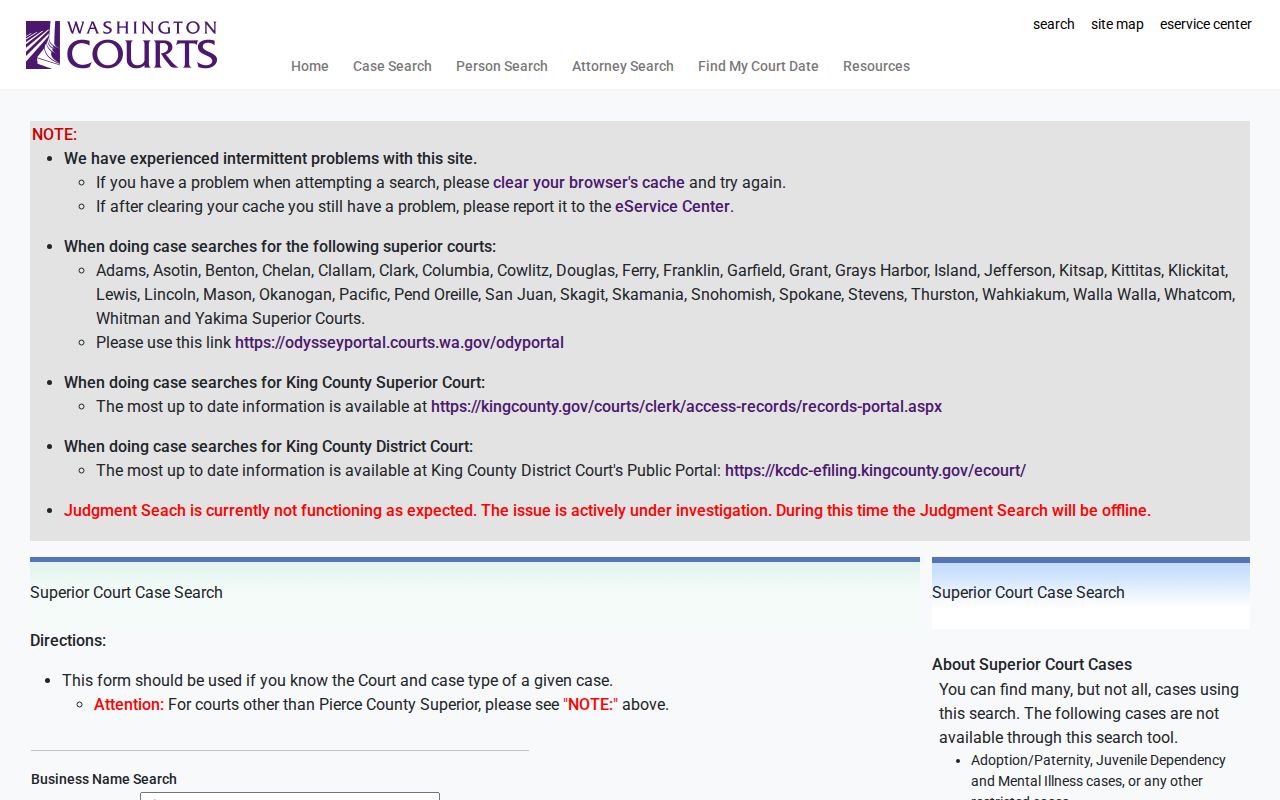
This path covers Superior Court only. A district court citation stays a district court matter, no matter that both courts share Pacific County. The Odyssey screen also carries Search Hearings and Judgment Search tools. Search Hearings works from a date range. Judgment Search targets recorded judgments. Check their current fields in the live interface before you rely on either one.
Account detail: Pacific County states that subscription processing may take five to ten business days. Anonymous case information remains the quicker starting point.
How to Search by Case Number
A case number beats a name search most of the time. It points to one court record instead of everyone who shares a name. Type it exactly as printed on the notice, citation, order, or pleading. Pacific County's public sources publish no single verified number format. Formats vary across every court and case type, so never rebuild a missing digit from a generic example. The safe format is NUMBER-AS-PRINTED.
Odyssey guidance permits a record number in Smart Search, and eligible registered users may pair a partial number with a wildcard. The official wildcard guidance calls for at least four case-number characters. When an exact number fails, check the punctuation. Then check the zeros, the year digits, and the court level. Try the official state search next. One caution applies. A number assigned by South Pacific District Court may not resolve in Pacific County Superior Court Odyssey.
When you call a clerk, give the court name along with the number. That pair helps the staff. They can separate Superior Court, North District, South District, South Bend Municipal, and city work routed through a district court.
Pacific County Limited-Court Lookup
For district and municipal matters, start with the Washington District/Municipal Court search or re:SearchWA. Both North and South District pages point to re:SearchWA. It is the newer Tyler public-access product for Courts of Limited Jurisdiction. Washington staged its 2026 rollout. The direct interface has not been available for a full walkthrough. Before searching, confirm the exact court appears on the current participating-court list. And a missing result never proves no file exists.
The statewide district and municipal form is the official name-search starting point:
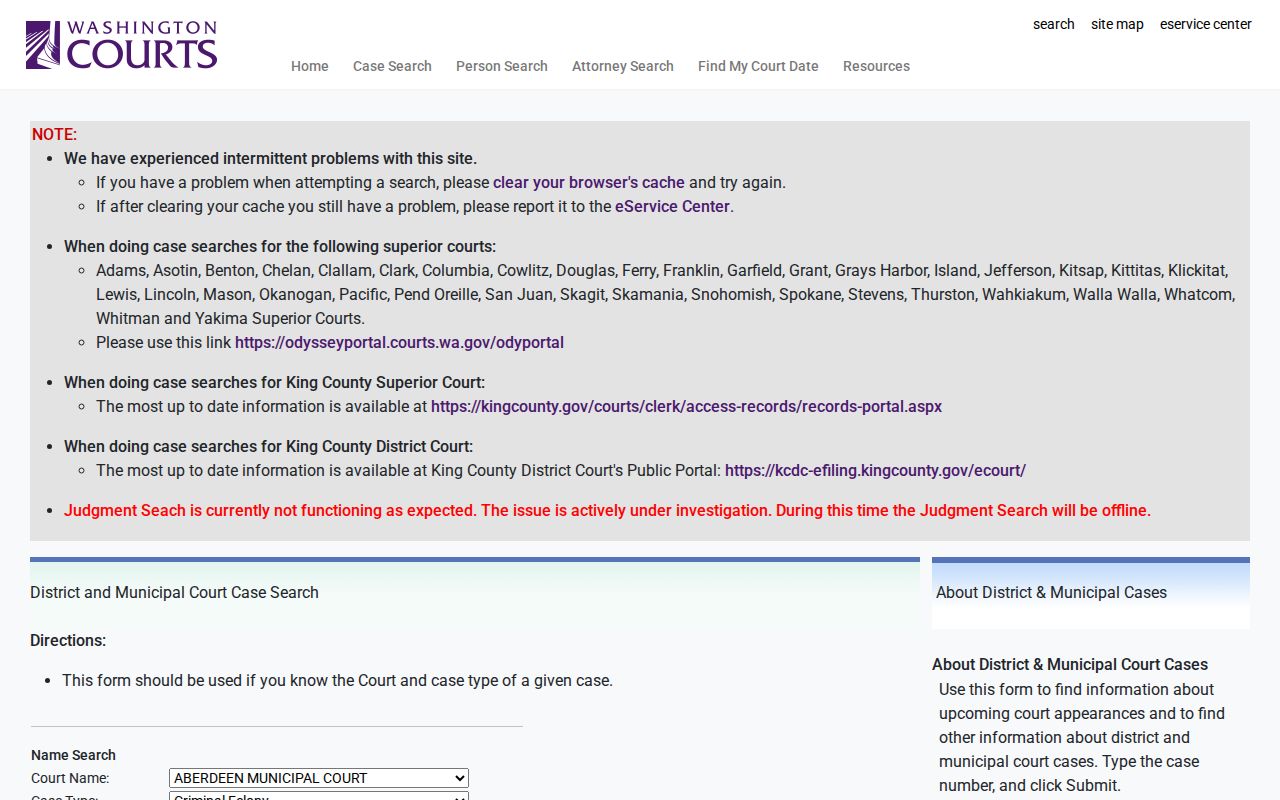
North Pacific District Court covers north-county cases plus Raymond municipal routing. South Pacific District Court covers the south end, including Ilwaco and Long Beach municipal routing. South Bend Municipal Court runs on its own. If re:SearchWA or the state form leaves the case unresolved, call the court directly. North District is 360-875-9354. South District is 360-642-9417. South Bend Municipal is 360-875-8216. Each court also answers counter questions about its own public records.
What a Case Search Shows
A public result usually names the case. It also gives enough detail to tell it apart from similar matters. Depending on the court, the case, and your access role, it may also list docket events, hearings, judgments, or dispositions. Depth and labels vary widely. No private sample record belongs in this explanation, and no unverified Pacific County code list should be used to decode abbreviations.
| Case number | The unique court identifier. Compare it character by character with the source document. |
|---|---|
| Court | The court level and location that owns the record and can provide official copies. |
| Style or parties | The caption and public participant names, subject to redaction and access limits. |
| Case type | Criminal, civil, domestic, probate, guardianship, or another filed category. |
| Filed date | The date the court opened or received the case, useful for separating similar names. |
| Status or disposition | The current recorded stage or outcome. Read the event history before inferring what the label means. |
| Hearings | Past or future settings where public. Confirm an urgent date with the owning court. |
A docket is a chronological register of filed events, settings, orders, and outcomes. It is not the full case file. A document icon next to an entry does not promise that an anonymous user can open that document.
Verify a Pacific County Case Result
Common names demand a careful match. Never settle for the first row of results. Compare a cluster of facts: court, case number, filing date, case type, and status. A result from the wrong court is not a close match at all; it is a different record.
- Confirm Superior Court versus district or municipal court.
- Match the complete case number and filing year.
- Check the case type and current status.
- Read the newest docket event before relying on an older setting.
- Contact the record court when a fact conflicts with a notice or order.
The central Washington search warns that its results are reference data, and docket entries, judgment details, or document links may be incomplete or inaccurate. Updates can lag by about 24 hours. When the portal and the court file disagree, the clerk's official record controls.
County vs Statewide Case Search
Pacific County does not run case lookup on one database. Several layers stack instead. The statewide page locates cases across court levels. Odyssey adds the Pacific County Superior Court layer. For limited-jurisdiction reference searches, the state district and municipal search plus re:SearchWA help. Results depend on which courts participate. For the complete official file and copies, the clerk remains the source.
| Channel | Coverage | Best use | Main limit |
|---|---|---|---|
| Washington Case Records Search | State reference tools across court levels | Finding the likely court and case | Not the official record; data can lag |
| Pacific County Odyssey | Pacific County Superior Court | Superior case information, hearings, judgments | Document access depends on role and registration |
| State CLJ search and re:SearchWA | District and municipal cases | Limited-jurisdiction name or number lookup | Confirm current court participation and live fields |
| Court clerk | That court’s official file | Missing results, inspection, plain or certified copies | Fees or request procedures may apply |
The Washington search landing page provides the statewide doorway:
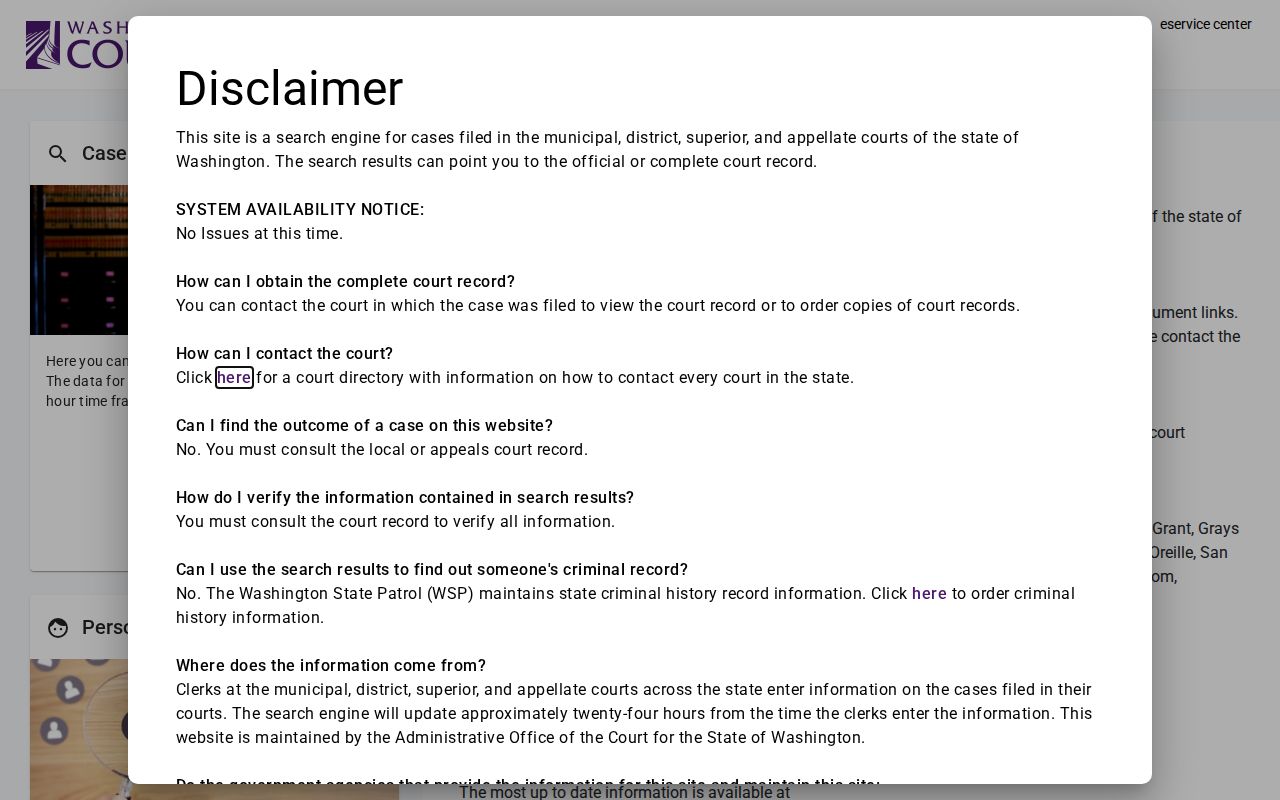
The page helps you pick a path, nothing more.
When Pacific County Lookup Fails
Start with the basics. Check spelling, number, date, and court level first. A name with a space or a hyphen may need more than one docket search. Anonymous Odyssey users cannot use the wildcard, so try exact and alternate name forms. Then move to the other official layer that fits the court. A district case belongs in the CLJ tools, not Odyssey.
Coverage is not uniform. The re:SearchWA interface is an official but evolving channel for limited courts. Its live participating-court list names the courts it covers.
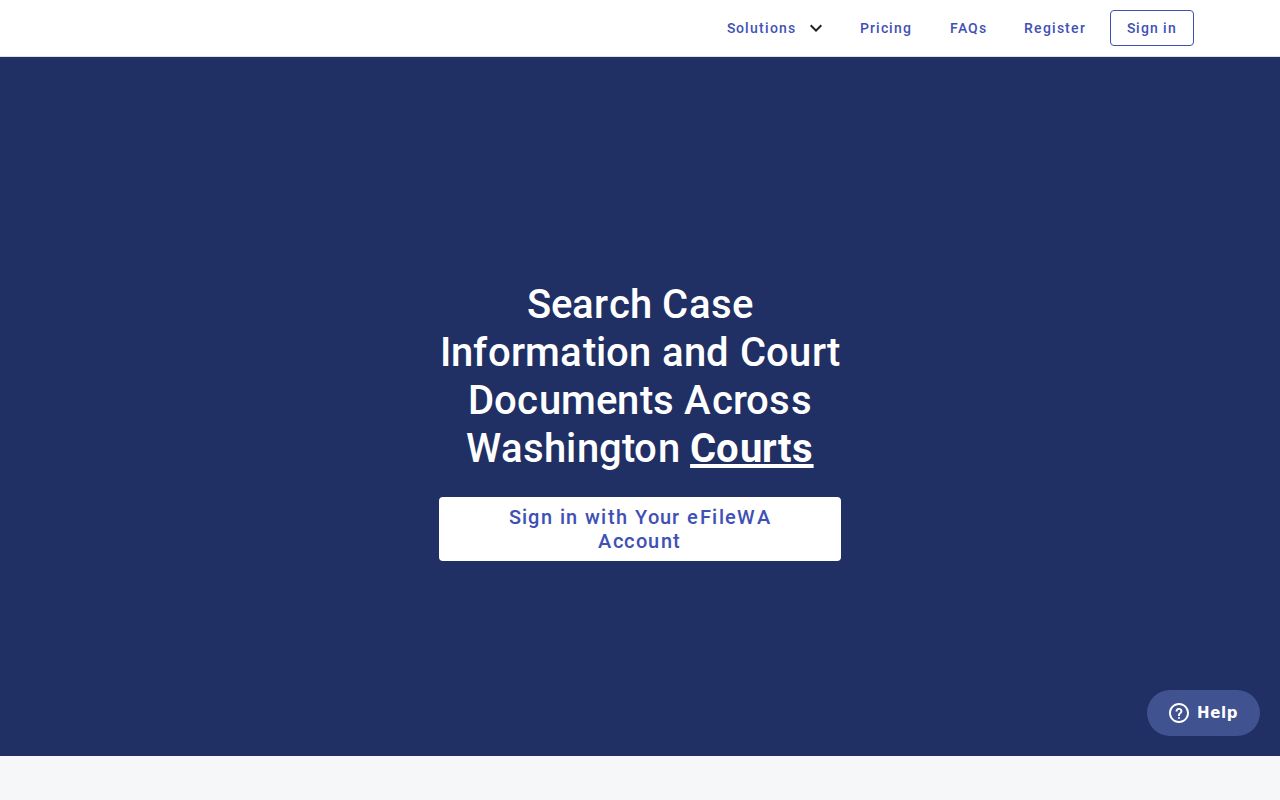
A failed Pacific County lookup is often a wrong turn, not a vanished file. Check the live list first. The portal never promises document images. An error or a no-match result calls for action. Phone the court of record or go to its counter. Older paper material can explain the gap. So can a feed delay, a sealed file, a juvenile record, or the wrong court choice. For Superior Court, the Pacific County Clerk at 300 Memorial Drive in South Bend handles official-record access at 360-875-9320. Mail works too. A mailed document request is available when portal information is not enough.
Restricted Cases and Access Rules
Washington GR 31 starts from public access but honors limits set by law, rule, or court order. Juvenile-offender information never appears on a publicly accessible website. Sealing and redaction live under GR 15. Family matters, protection orders, guardianship, health, and therapeutic material get protection from GR 22.
A sealed case or document is closed to the ordinary public user. Its existence may still leave a trace. The trace remains unless that information is separately restricted. A juvenile offender record can be missing from the public web search even while lawful counter access is possible under the governing rule. Do not infer redacted personal identifiers from what stays visible.
Ask the owning court why a result is missing. It may be sealed, restricted, juvenile, outside the online feed, or simply filed at another court level. The clerk can name the forms and access procedures but cannot give legal advice. No clerk overrides a judge's order either.
Pacific County Docket Access Layers
JIS-Link is a fee-based subscriber option for case information and docket lists. It shows no case documents. Washington also keeps participant addresses and minors' birth dates away from public users. That rule holds even at courthouse public terminals. A terminal can broaden how a person reaches court information without lifting any substantive restriction.
Documents come from the clerk. The Pacific County Superior Court document process quotes a cost first. Payment follows the posted workflow. Certified copies never go out by email. District and municipal requests belong with the clerk who maintains that case. That clerk is not automatically the Superior Court Clerk.
One phone call can confirm the right office before a request is mailed or carried to a counter. Remember the limit of any docket search. It can locate a case. Only the court of record provides its complete and certified record.